October 12, 2026
Agentic Video Production, On-Device: Presenting at Snapdragon Summit 2026
The most time-consuming part of video production happens before editing ever begins
Before a timeline is built, before a story takes shape, a creator has to review, understand, organize, and label everything that was captured. It is necessary work, but it is not the creative part of the project. Also, as cameras have become smaller, cheaper, and more capable, the volume of footage we return with has only grown.
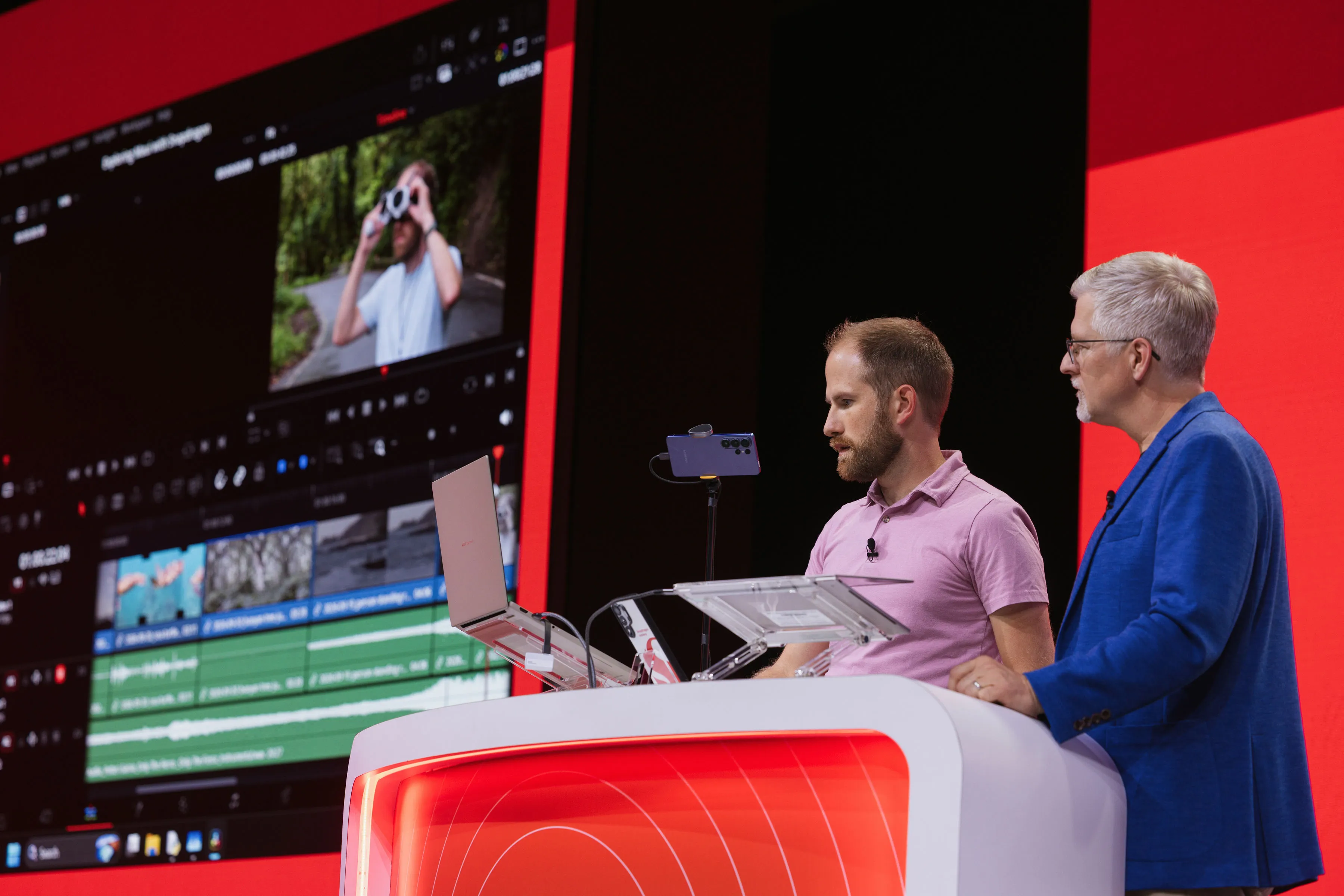
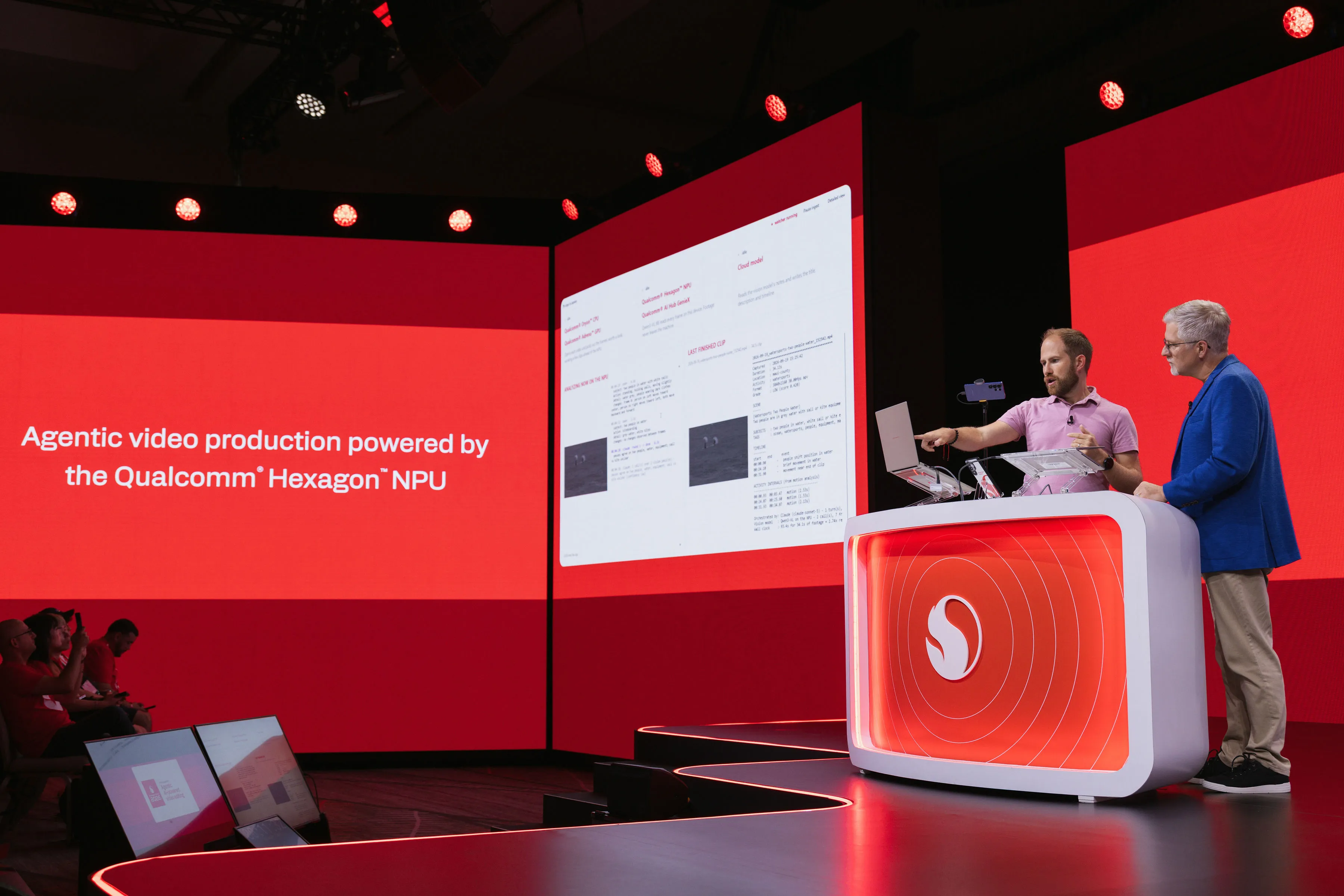
At Snapdragon Summit 2026, I demonstrated how agentic AI can handle that work. I was honored to be the first Snapdragon Insider to present on stage at Snapdragon Summit, invited to share the stage with Judd Heape, VP of Product Management and Multimedia at Qualcomm, to show what agentic video production looks like when it runs entirely on your own device.
It started in Maui
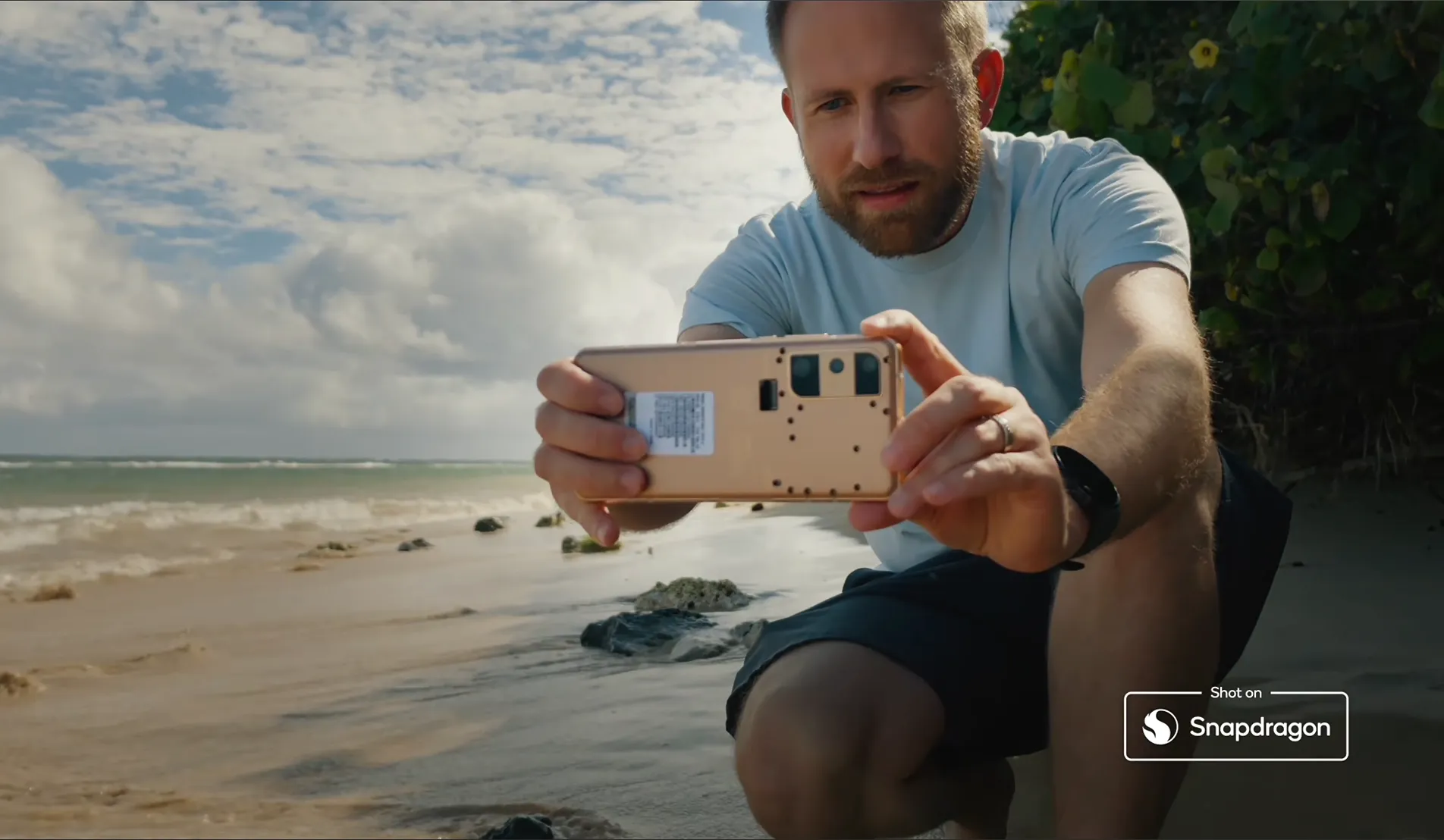
The project began two days earlier, exploring and filming along the coasts of Maui with smartphones, action cameras, and a drone — all powered by Qualcomm technology.
The goal was to capture the way a creator actually works today: not with a single camera, but with several, each suited to a different perspective. That approach produces rich, varied footage. It also produces a problem.
I returned with a large volume of clips across multiple devices, and very little time. With that much material, how do you sort through it and find the clips you need to tell your story?
Building an agentic workflow
Rather than organize that footage manually, I built a workflow around a local agent running on the Snapdragon X2 Elite Extreme — and demonstrated each stage of it on stage.
1. Extracting a snapshot from every clip
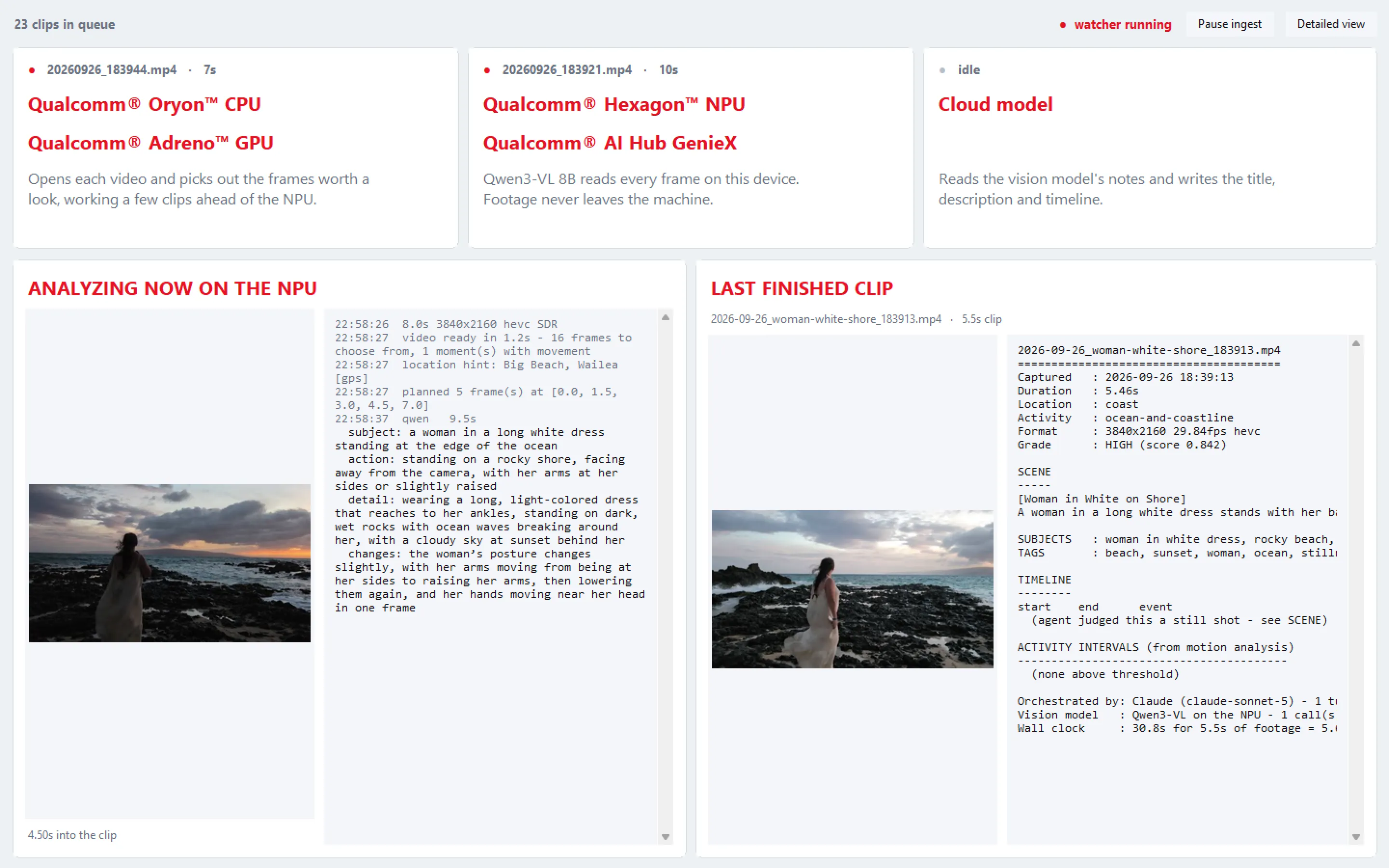
The agent uses FFmpeg to pull snapshots from each video clip. Instead of reviewing hours of footage frame by frame, those snapshots give the system a visual summary of the entire library.
2. Analyzing what is in each clip
A local AI model using GenieX to run the model on the 80 TOPS NPU on Snapdragon X2 Elite Extreme then analyzes each snapshot to identify what is in the clip and what is happening in the scene. Is it an aerial view of the coastline? A close-up? Movement, water, landscape? That understanding is what makes the footage organizable. It also notices changes in the footage, locating scenes where changes have occurred, like a surfer riding a wave, and then falling into the water.
3. Building a searchable database
From that analysis, the agent builds a database of every clip. The footage is no longer just a collection of filenames. It is a catalogued library that can be searched by content in each video.
4. Creating the project in DaVinci Resolve

The agent then generates a script that creates a new project in DaVinci Resolve and imports the footage already organized into sorted, labeled bins. Opening the project no longer means starting from zero. The material is structured, findable, and ready to add to the timeline.
5. Searching on demand
That database remains useful long after the project is created. I can search for a specific type of clip and instantly import a new bin containing only the footage that meets those criteria — rather than returning to the full library and starting the search over.
Why running locally matters
The most significant part of this workflow is not any single step. It is that it all runs locally, on the device.
There is no lengthy upload before the work can begin. And the analysis can continue in the background while I keep filming, or while I focus on other work. When I return to edit, the project is already organized and ready.
Another example I used in this project but didn’t show on stage was generating lower-thirds. They can be added to an entire project in seconds just by adding colored markers throughout the project and running a script created by your agent.
Remove the friction, focus on the creative work
Using agents is not about replacing the creative process. An agent should not decide what story to tell.
It is about removing the friction in front of that process, so more time can be spent where a creator adds the most value: story, pacing, sound design, and color grading.
I invite everyone to review their creative process and find points of friction in their workflow. Use an agent to help discover and develop solutions that allow more time in the creative part of the work. Cloud models are more capable in complex problem solving and coding, so I suggest you start there in building your agentic solutions and incorporating your local AI models into the process where it makes sense.
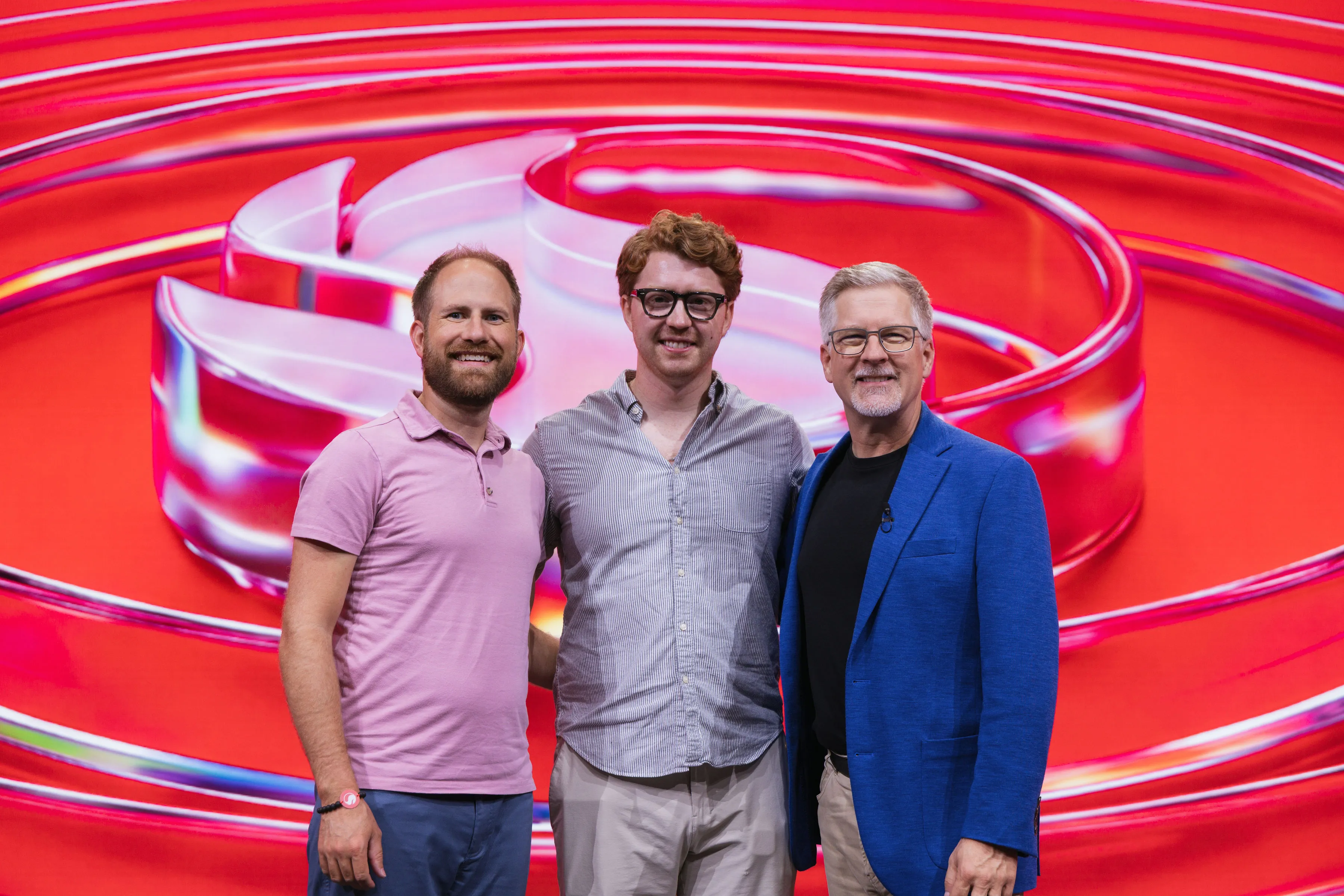
Thank you to Qualcomm, Judd Heape, Charley Beeman, and the entire Snapdragon team for this opportunity, and for inviting a Snapdragon Insider to share that stage for the first time.